- Personal
- Business
- Home Lending
- Digital
- Personal
- Business
- Home Lending
- Digital
Account Login

Account Login
If you’ve ever searched online for something like “change of address USPS” or “renew passport,” you’re not alone. These are common, everyday tasks—and they should be simple to complete.
But many people are surprised to find that the first results they see aren’t always the official websites. Instead, they’re often ads for third-party services that charge fees for things you can usually do yourself, quickly and at little to no cost.
At Maine Savings, we regularly hear from members who have paid for these services, thinking they were on an official site. Let’s take a closer look at how this happens—and how you can avoid it.
Why This Happens
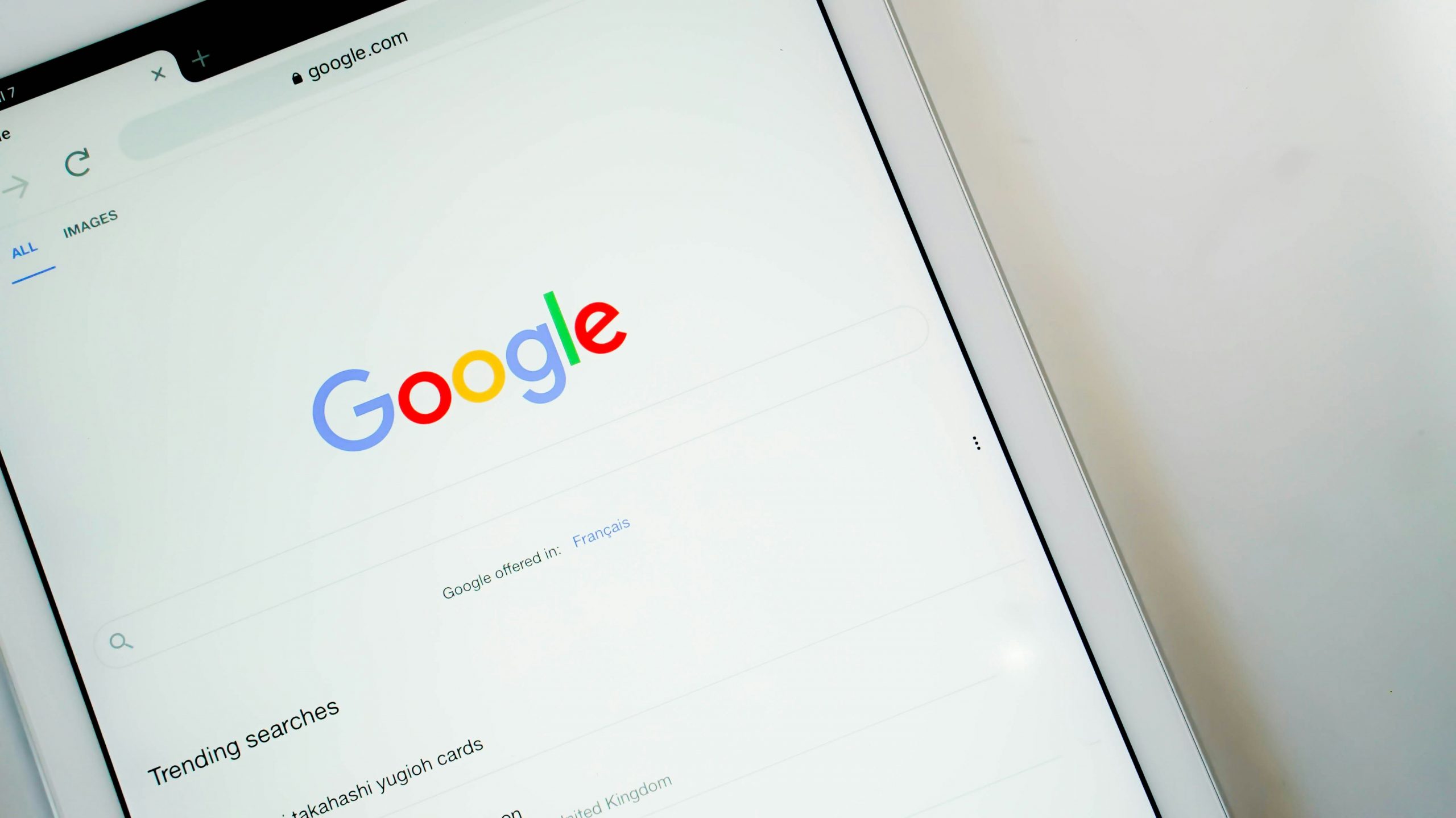
Search engines like Google and Bing often display paid advertisements at the top of search results. These ads are clearly labeled as “Sponsored,” but they can still look very similar to the results you’re actually trying to find.
While these third-party websites may offer legitimate services, they often:
Changing Your Address with USPS
When updating your address, always go directly to the official United States Postal Service website.
Unlike most government agencies, USPS uses usps.com as its official website—not a “.gov” address. Because of this, it’s especially important to double-check that you’re on the correct site.
Look for:
Third-party sites may look similar but often charge higher fees for services you can complete directly through USPS for a minimal cost.
Renewing a Passport
Passport services should always be completed through the U.S. Department of State.
Official passport information and forms are available on websites ending in “.gov,” such as travel.state.gov. Third-party services may charge additional processing or “expediting” fees that aren’t required for standard applications.
A few simple habits can help you avoid unnecessary fees and confusion:
What to Do If You’ve Already Paid
If you believe you’ve used a third-party service unintentionally:
At Maine Savings, we’re here to help you navigate situations like these and support your financial well-being.
A Better Way Forward
The internet makes everyday tasks more convenient—but it also requires a bit of extra awareness. Taking a moment to confirm you’re on the right website can help you avoid unnecessary costs and frustration.
If you ever have questions about a charge or something doesn’t seem right, we’re here to help.
Beyond Banking means looking out for more than just your accounts—it means helping you make informed decisions every step of the way.
Please be advised that you will no longer be subject to, or under the protection of, the privacy and security policies of the Maine Savings website. We encourage you to read the privacy and security policies of the site you are entering, which may be different than those of Maine Savings.